Your KSeF
invoices under control.
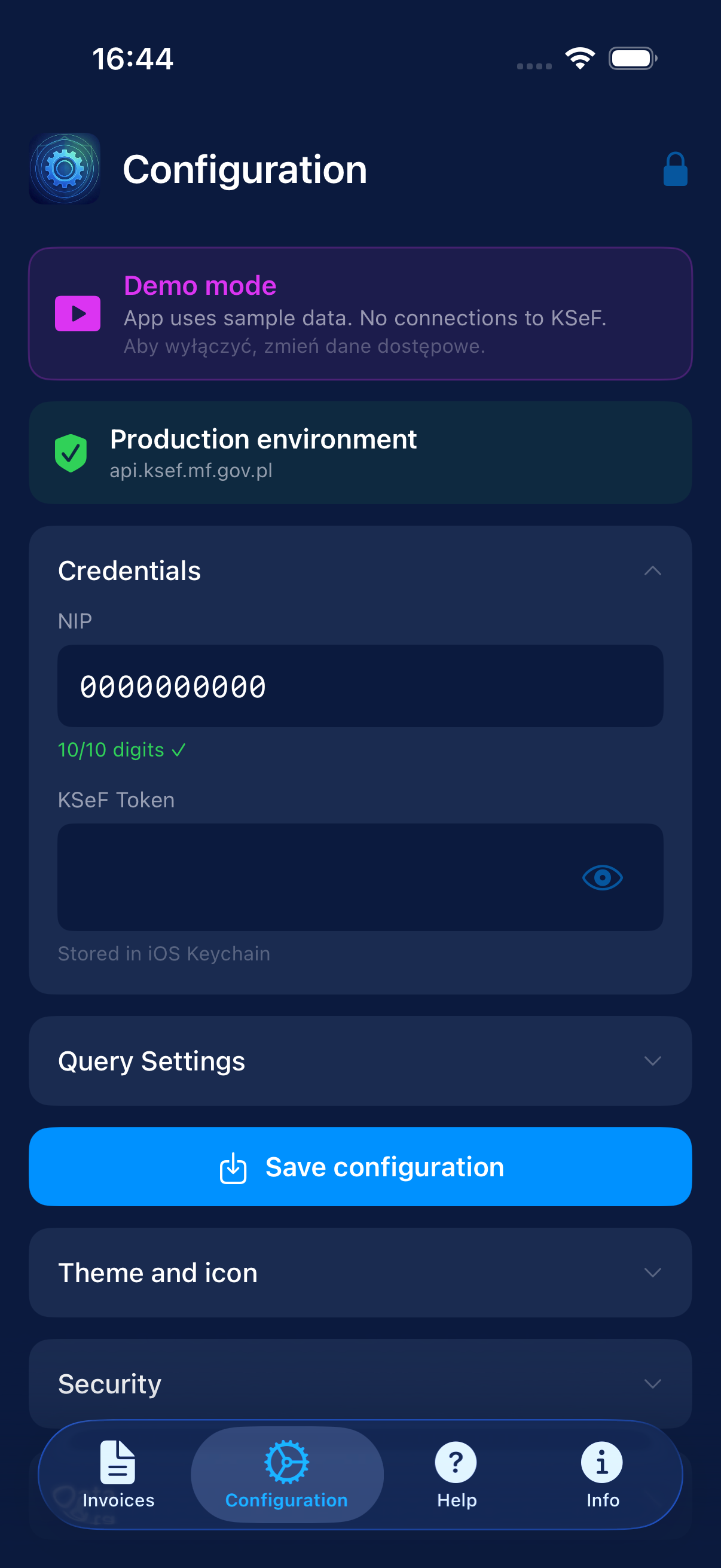
Browse structured invoices directly from the Polish National e-Invoicing System. No middlemen, no cloud, no tracking — just you and your tax data.

What the app does
What is it for?
Monitor KSeF lets you browse structured invoices from KSeF on your iPhone. It is not an official Ministry of Finance app.
What it doesn’t do
It does not issue, modify, or delete invoices. It does not send data to the developer’s servers. No ads, no trackers.
Requirements
iOS 17.0+ · NIP (10-digit Polish tax ID) · KSeF token from podatki.gov.pl (read-only permissions recommended).
Invoice list
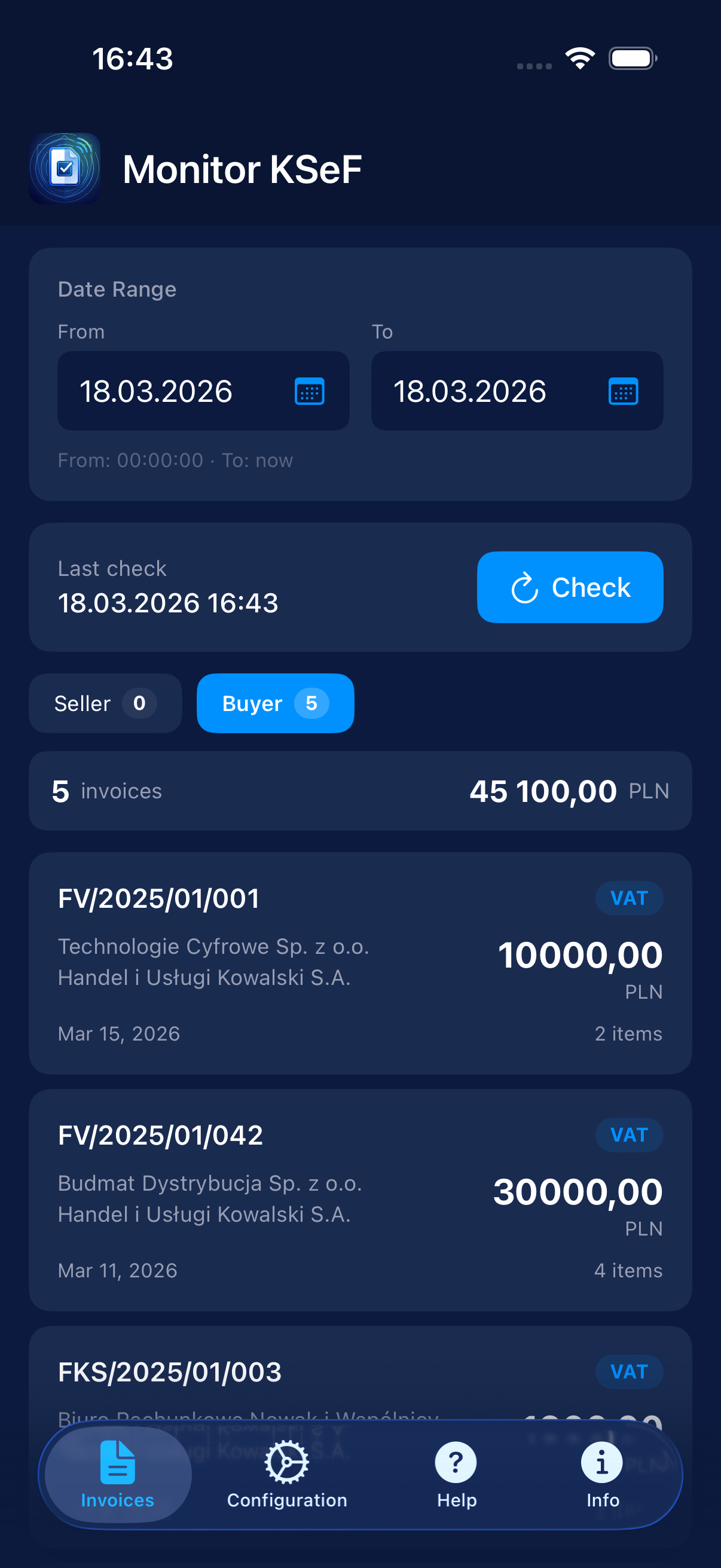
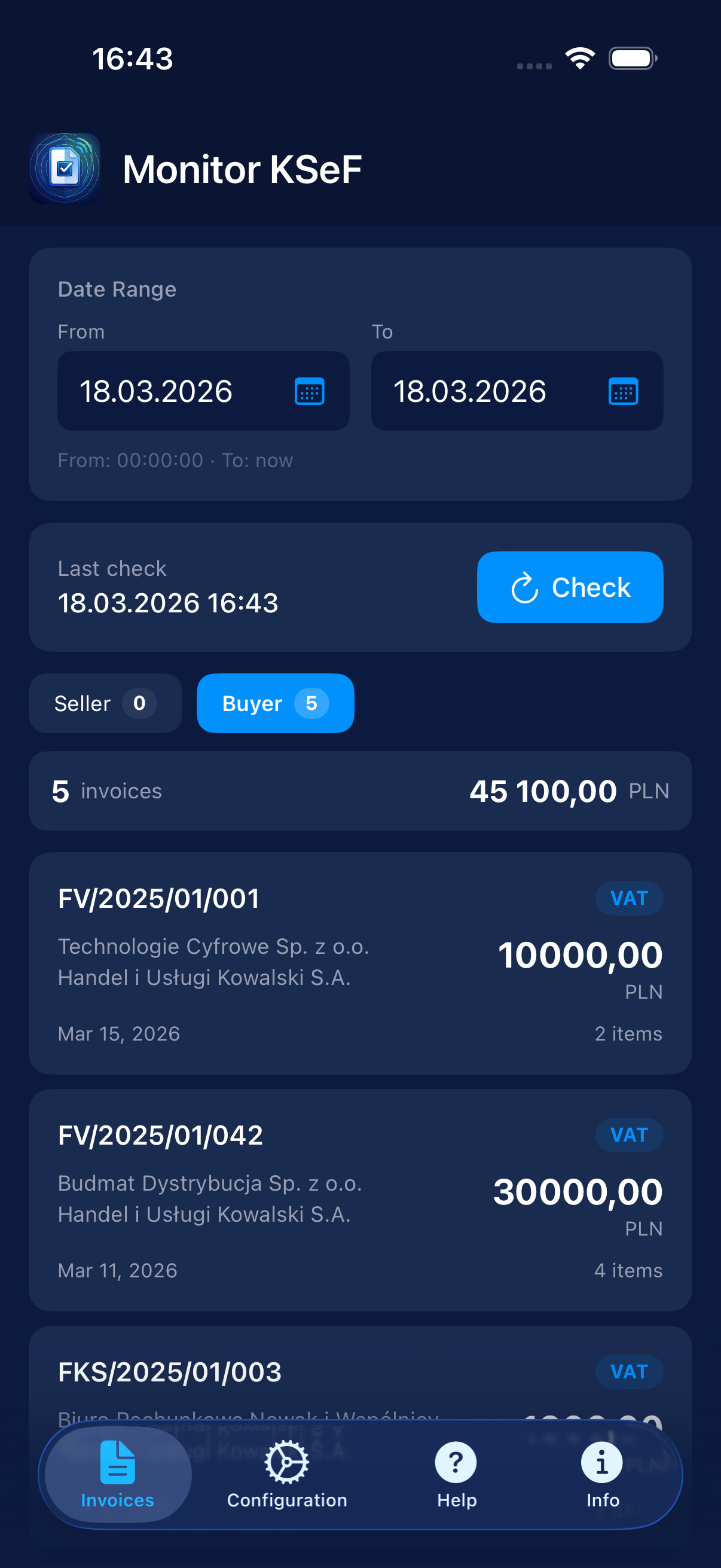
KSeF invoices grouped by role: Seller, Buyer, Third Party, Authorized. Total amounts and item counts visible.
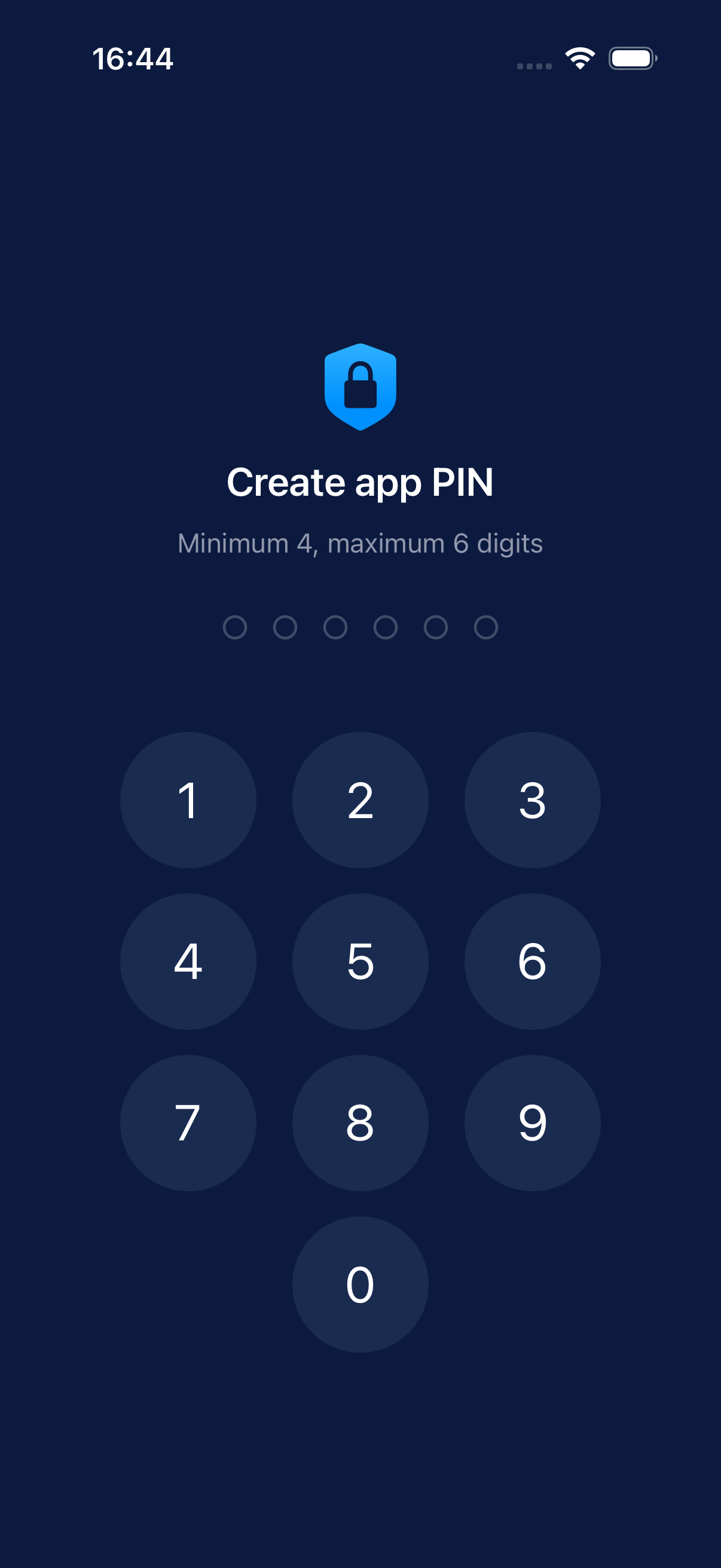
PIN + biometrics
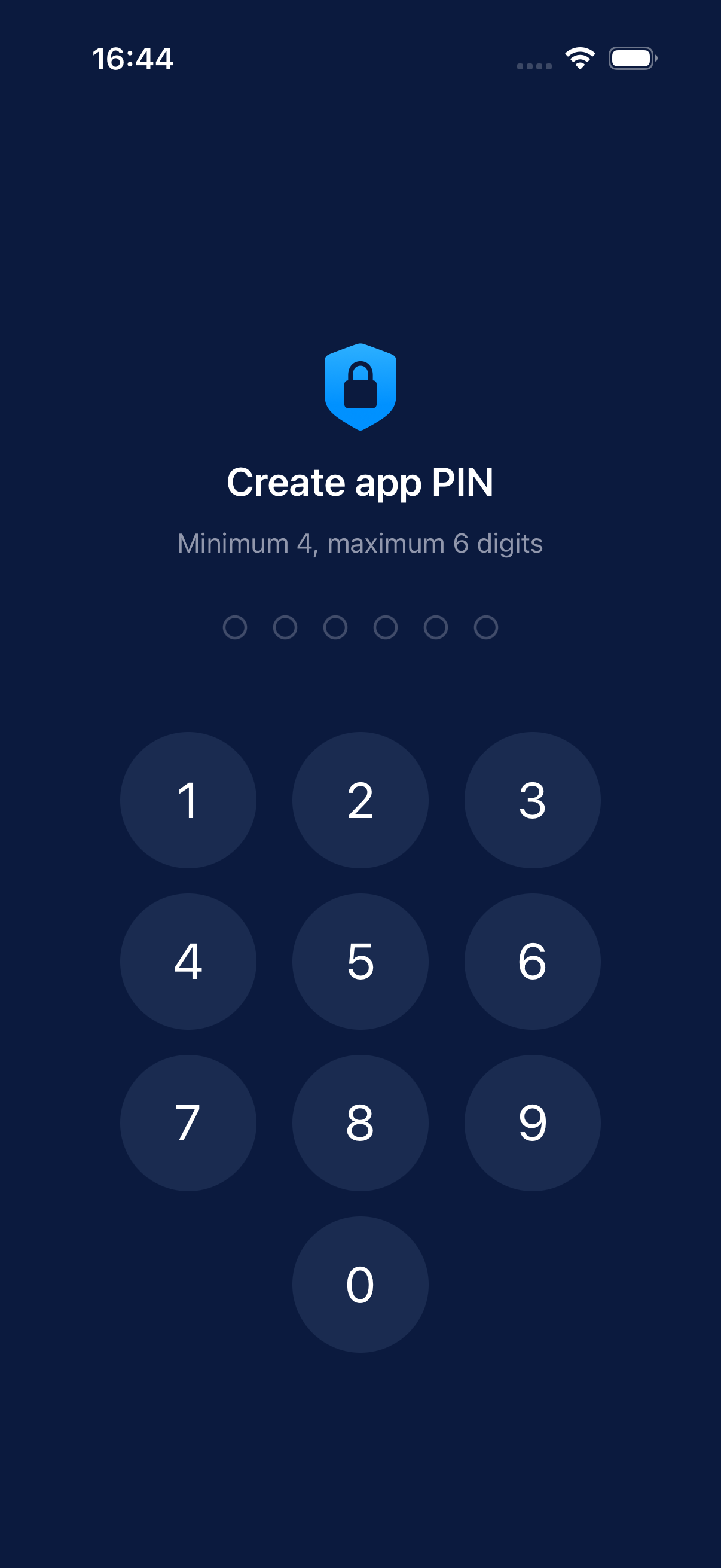
Face ID, Touch ID, or PIN (4–6 digits). Locked on every background transition.
PDF & XML export
Plus: PDF with QR code and original XML FA(3) file from KSeF.
Date filtering
Three date types: issuance, acceptance, or permanent KSeF record.
Direct MF API
Only api.ksef.mf.gov.pl. NIP and token in iOS Keychain, nowhere else.
Zero trackers
No Firebase, Mixpanel, or any analytics SDKs. NSPrivacyTracking = false.
From installation to invoices
in three steps
Configure access
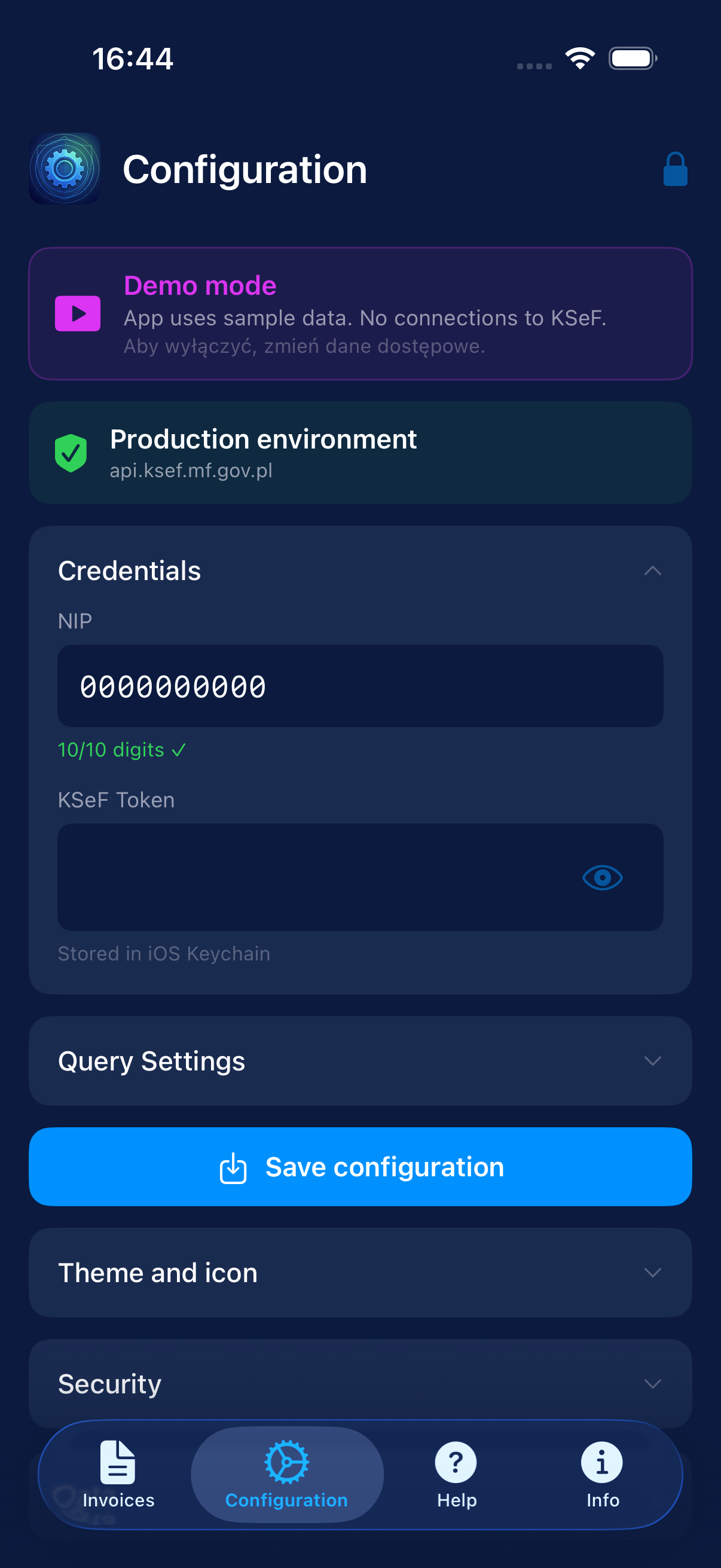
Set a PIN (4–6 digits) and optionally enable Face ID/Touch ID. Enter your NIP and KSeF token from podatki.gov.pl. We recommend generating a token with read-only permissions. Credentials are stored exclusively in the encrypted iOS Keychain.
Fetch invoices
Select a date range and tap “Check”. The app handles pagination automatically. Today’s invoices are checked automatically on every launch.
Browse and export
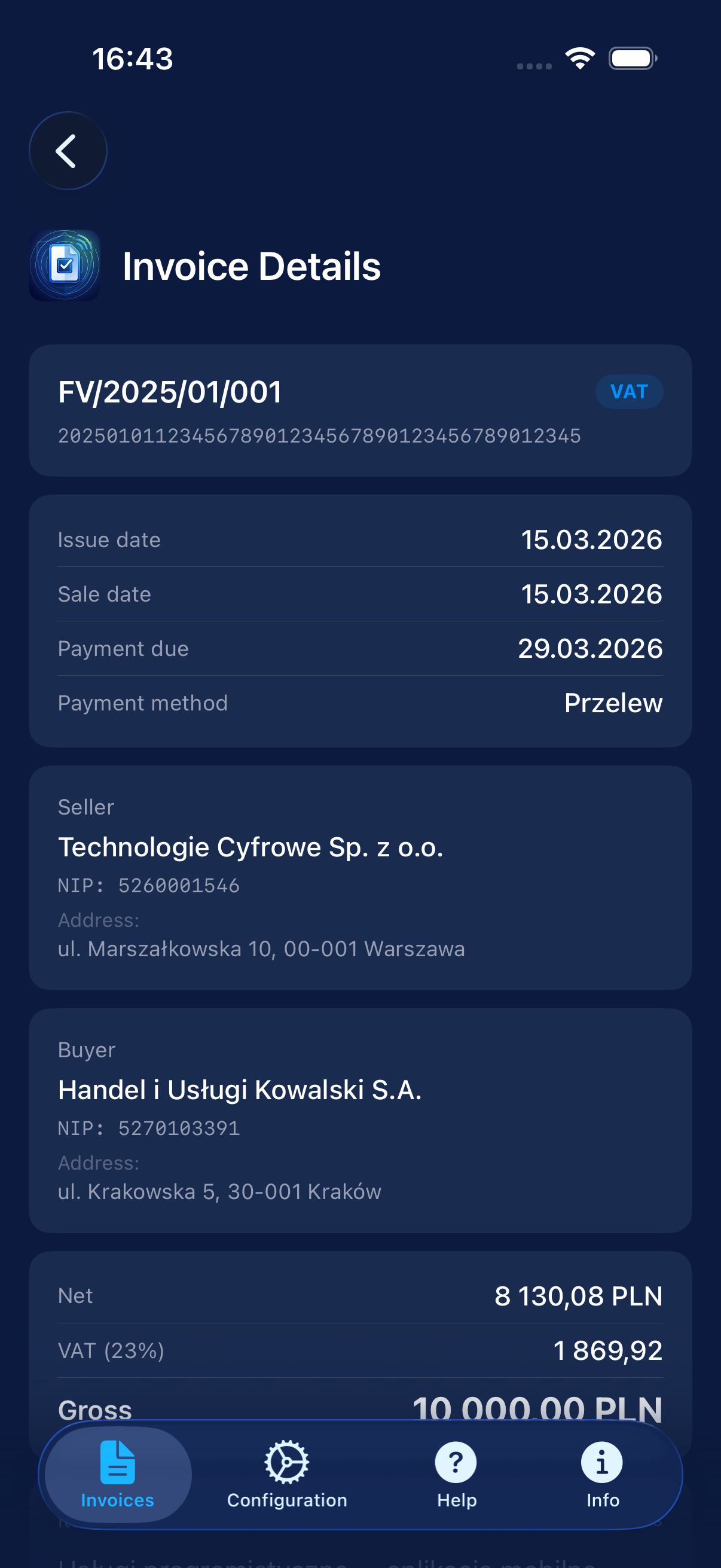
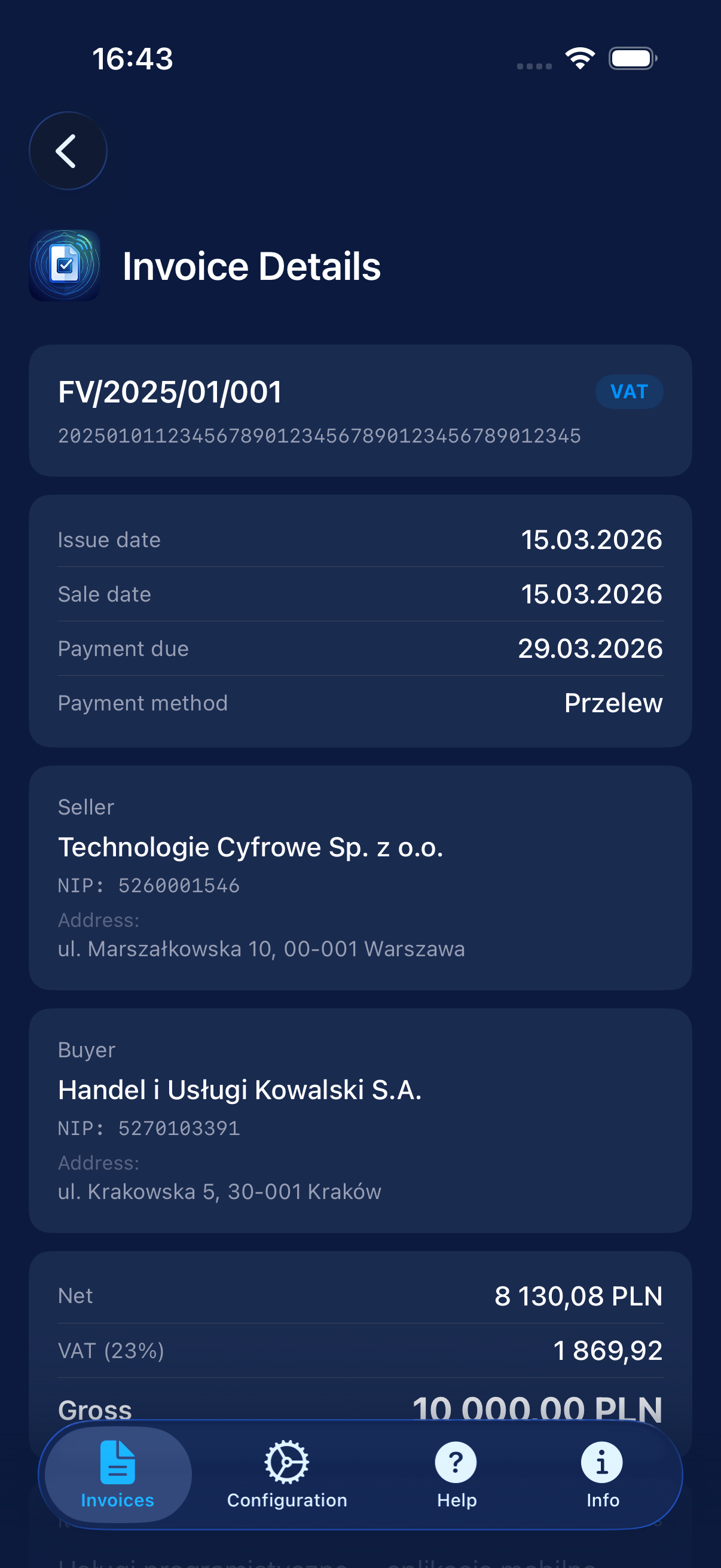
Open an invoice — full details: transaction parties, line items, VAT amounts. Monitor KSeF Plus: export PDF with QR or download the original XML FA(3).
Full capabilities.
Every invoice in detail.
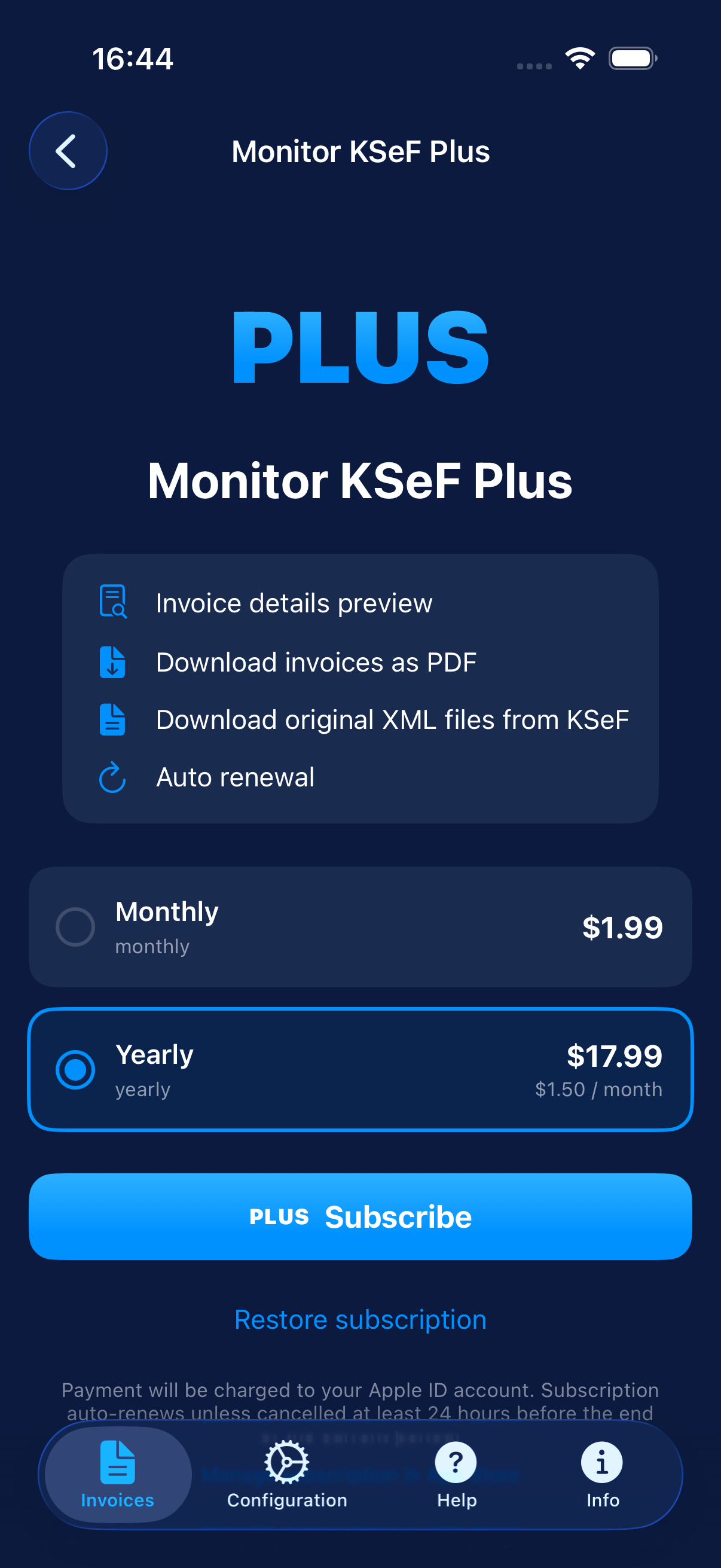
The free version shows the invoice list. Plus unlocks everything you need for professional use.
- ✓ Detailed invoice view Parties, line items, VAT amounts, payment due date
- ✓ PDF export with QR code Readable document via iOS share sheet
- ✓ XML FA(3) download Original file directly from KSeF
- ✓ Managed by Apple Secure auto-renewable subscription via the App Store
Free trial · Cancel anytime
Tax data demands
the highest protection.
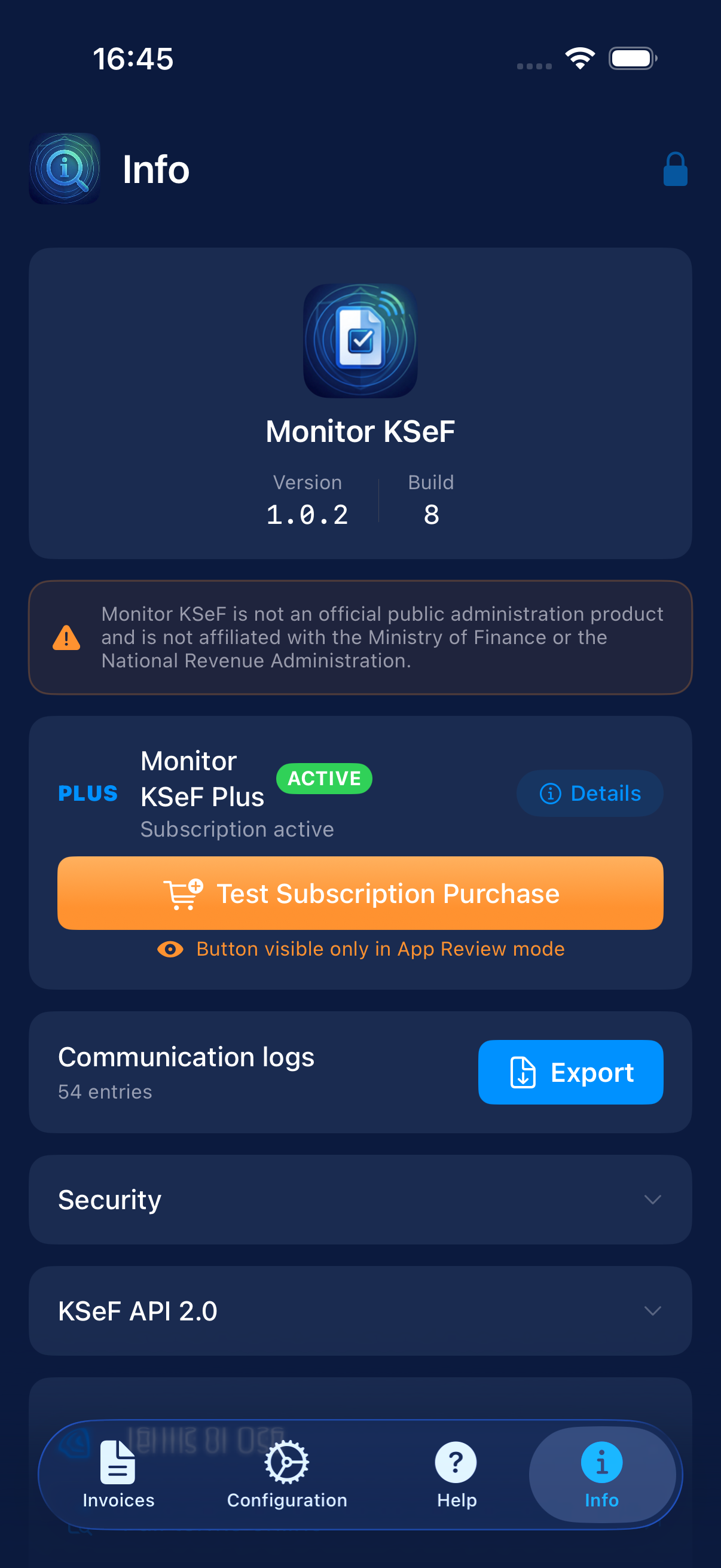
Security mechanisms described in the user guide and privacy policy: local processing, Keychain, PBKDF2, App Switcher masking, and certificate pinning for the KSeF API.
Keychain + PBKDF2
NIP and token in Keychain (AES-256). PIN hashed with PBKDF2-HMAC-SHA256 · 100,000 iterations · 32B salt.
Certificate Pinning
SPKI key pinning for api.ksef.mf.gov.pl. TLS 1.2+. Connections outside the trusted certificate are rejected.
App Switcher
Invoice data is automatically obscured in the multitasking preview. No sensitive information leakage.
Exponential Backoff
Wrong PIN: 30s → 1min → 5min → 15min → 30min lockout. Counter stored in Keychain.
Have questions?
Frequently asked questions about Monitor KSeF and the security of your data.
The National e-Invoicing System (KSeF) is a government system for structured invoices operated by the Polish Ministry of Finance. Monitor KSeF lets you conveniently browse these invoices on your iPhone — directly via the Ministry of Finance API, without having to log in through a web browser.
No. The app has no servers of its own. Your NIP and KSeF token are stored exclusively in the encrypted iOS Keychain. Invoice data is fetched directly from api.ksef.mf.gov.pl and exists only in RAM — it is never saved to files or databases.
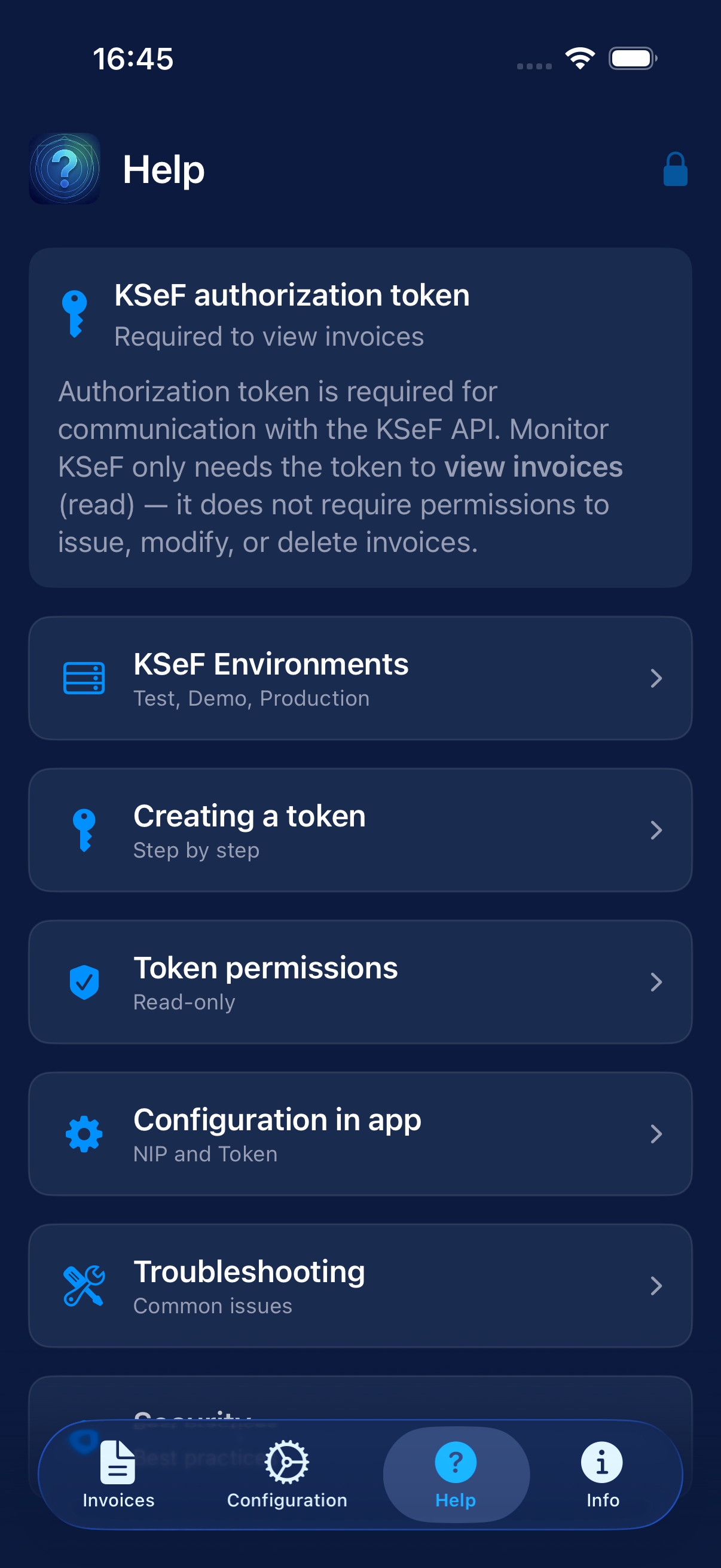
You can generate a KSeF authorization token after logging into the taxpayer portal: podatki.gov.pl. The token grants read access to invoices associated with your NIP — the app requires read-only permissions only.
We recommend a token with read-only invoice permissions (e.g., “Faktura Odczyt / Invoice Read”). The app does not need (and should not have) permissions to issue, modify, or delete documents.
Plus is an optional auto-renewable subscription through Apple that unlocks: detailed invoice view (parties, line items, VAT amounts), PDF export with QR code, and original XML FA(3) download. The invoice list is free.
No. Monitor KSeF is exclusively an invoice viewing app. It does not issue, modify, or delete invoices in KSeF. The token requires read-only permissions only.
For security reasons, the PIN is stored only as a PBKDF2 hash — it cannot be recovered. You will need to delete and reinstall the app, then re-enter your credentials.
In the app, go to the Info tab (or the Plus screen) and use the Restore Purchases option. Subscriptions are linked to your Apple ID and billed through Apple.
An iPhone running iOS 17.0 or later, an active internet connection, and a NIP with a KSeF token generated at podatki.gov.pl.
Absolutely not. No Firebase, Mixpanel, Amplitude, or any trackers. NSPrivacyTracking = false in the Privacy Manifest. The only connections: KSeF API (Ministry of Finance) and Apple StoreKit 2 for Plus subscriptions.
Monitor KSeF
Browse KSeF invoices directly on your iPhone.
iOS 17.0+ · iPhone · Requires a KSeF token (podatki.gov.pl)